
Every call answered, and every call on the customer’s record.
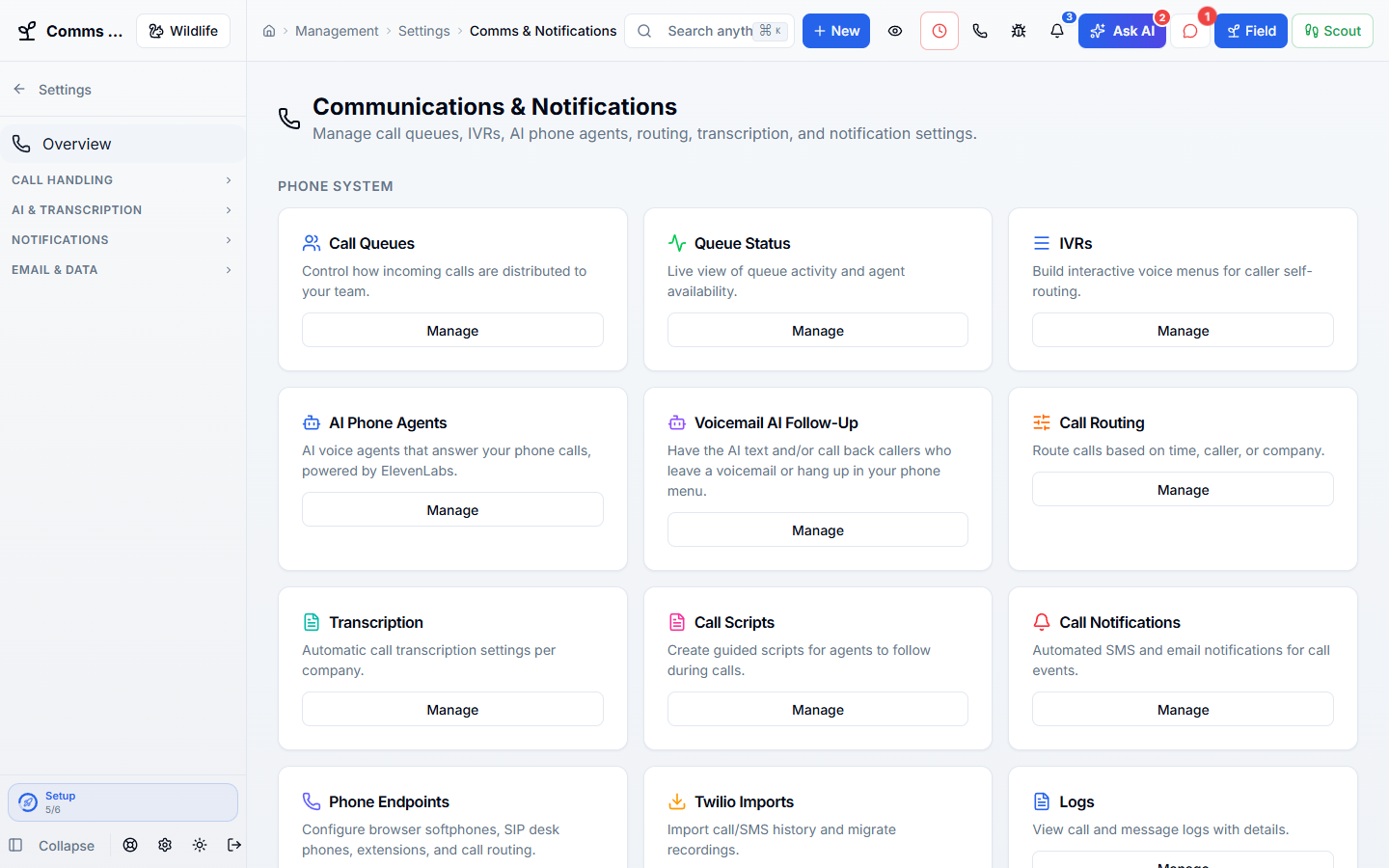
Business phone numbers, call menus, queues, voicemail, recordings, browser and desk phones, human answering support, on-call schedules, and live call guides all run inside WildPipe, so every call lands on the right customer and job.
Part of one system
Work arrives already filled in, and leaves ready for the next step.
Phones & Answering is not a separate app you connect. It works from the same customer, job, and record your office, phones, field team, and billing already use.
Comes in from
Customer records
Callers are matched to their customer record and past jobs.
Comes in from
Price book
Call guides show your current service prices, never a stale number.
What happens here
Phones & Answering
- Business Phones
- Human Answering Support
- Call Guides
- On-Call Schedules
Same customer, same job, same record.
What it replaces
One system instead of a stack of tools.
- A separate business phone provider
- An outside answering service
- An after-hours on-call spreadsheet
- Call scripts in a binder
What changes for you
Less chasing. More finished work.
Fewer missed calls
Calls ring your team, roll to answering support, or go to an AI assistant, based on your rules.
Callers recognized
Calls are matched to the customer’s record, so their history is right there.
New staff sound experienced
Call guides show what to say, ask, and quote for each service.
After hours covered
On-call schedules decide who is reached tonight.
Inside Phones & Answering
Explore each part.
Business Phones
Keep the call with the customer.
- Browser, mobile & desk phones
- Menus, queues & call handling
- Voicemail & customer history
Human Answering Support
You do not have to answer every call yourself.
- Coverage that fits your business
- Agents with your business context
- Calls, requests & operational handoff
Call Guides
Help your team know what to say.
- Service-specific call guides
- Live prices & helpful prompts
- Review, learning & coaching
On-Call Schedules
Know who is covering tonight.
- Primary & backup coverage
- Rotations & recurring patterns
- Reminders, export & related reporting
Clear answers. No sales jargon.
Good to know.
Choosing software is a business decision. Let’s make sure it fits the way you work.
Talk through your questionsCan I keep my phone numbers?
Yes. Moving your existing numbers is part of setup, and we help you plan it.
Does it work on a desk phone or a cell phone?
Yes. Calls can ring the browser, the mobile app, a desk phone, or a cell phone, depending on how each person is set up.
Your business. Your next chapter.
See what a better
working day looks like.
Bring your questions. We’ll show you how WildPipe fits the way your business works.