
Use only the coverage you need
Choose nights, weekends, overflow, selected companies, or full-time handling.
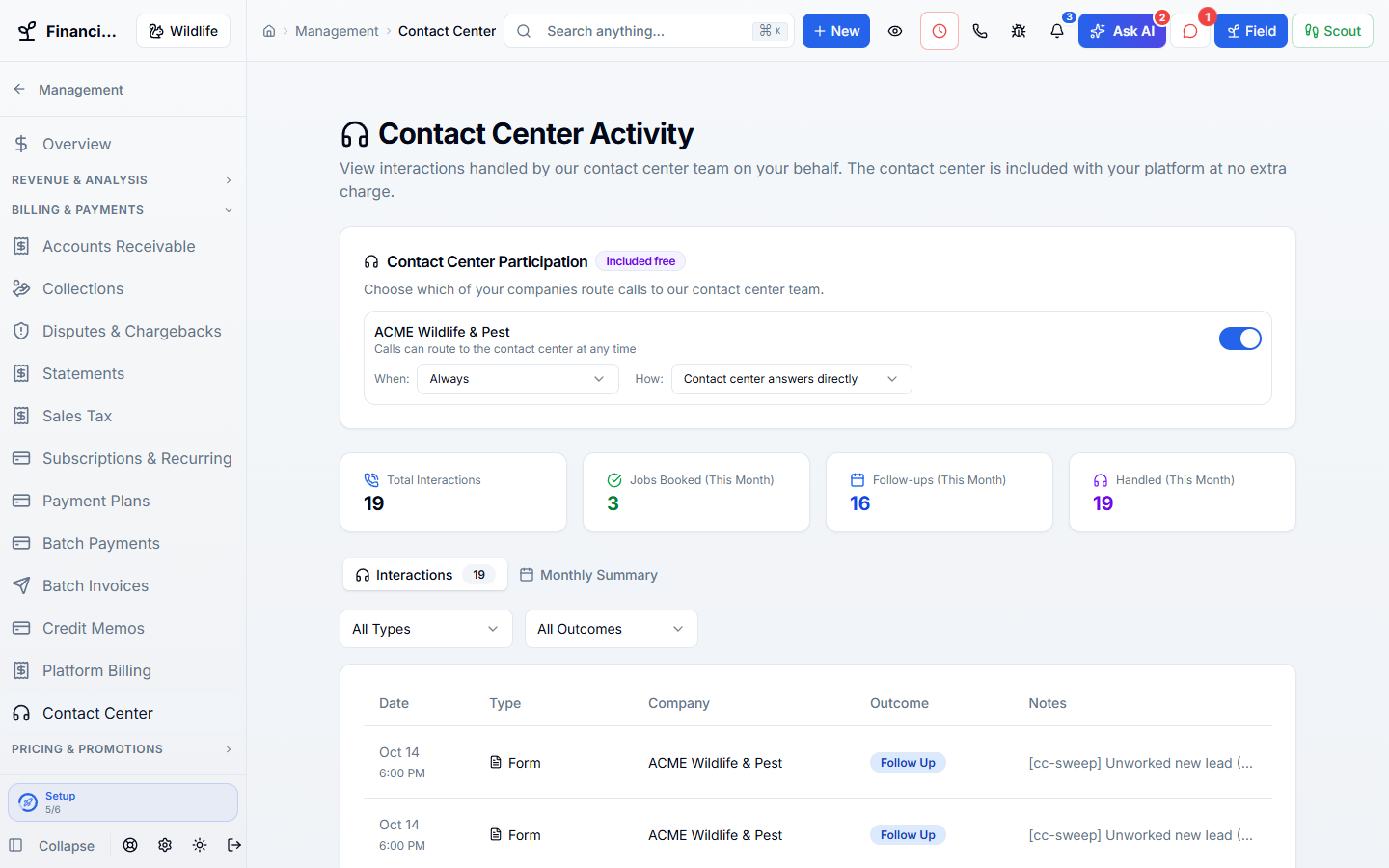
Get help from people who understand pest and wildlife calls. Choose when the answering team helps your business.
Works hand in hand with the rest of WildPipe
Built for your everyday work
Choose after-hours or overflow coverage
Sound familiar?
An answering service that emails you a name and phone number still leaves your office to qualify the lead, look up the customer, and book the work all over again.
What Human Answering Support does for you
Trained live agents answer calls, texts, chats, emails, forms, and booking questions inside WildPipe, with the company, customer, services, prices, hours, and real schedule in front of them.
Choose nights, weekends, overflow, selected companies, or full-time handling.
They see the customer history and write the lead, booking, note, or follow-up directly into WildPipe.
Calls, texts, chat, email, forms, and bookings remain one customer conversation.
Live contact-center coverage is included without per-call or per-booking charges.
Why owners switch
The things owners complain about most in other software, and how WildPipe handles them instead.
With other software
After-hours answering is another monthly bill and another inbox.
With WildPipe
WildPipe’s human answering team is included, and they work inside your system.
With other software
Answering services take messages you have to retype.
With WildPipe
The team books appointments, creates draft quotes, and leaves notes directly on your customers.
With other software
You cannot choose when the answering service picks up.
With WildPipe
Choose all calls, after hours only, or backup when your team does not answer, company by company.
Based on frustrations owners commonly share in public reviews of field-service and pest control software. See side-by-side comparisons.
Everything included
Explore what human answering support includes, how the parts work together, and where you stay in control.
See it work
These are real WildPipe screens. Click the highlighted spot to do what your team does to cover every customer without a handoff mess.
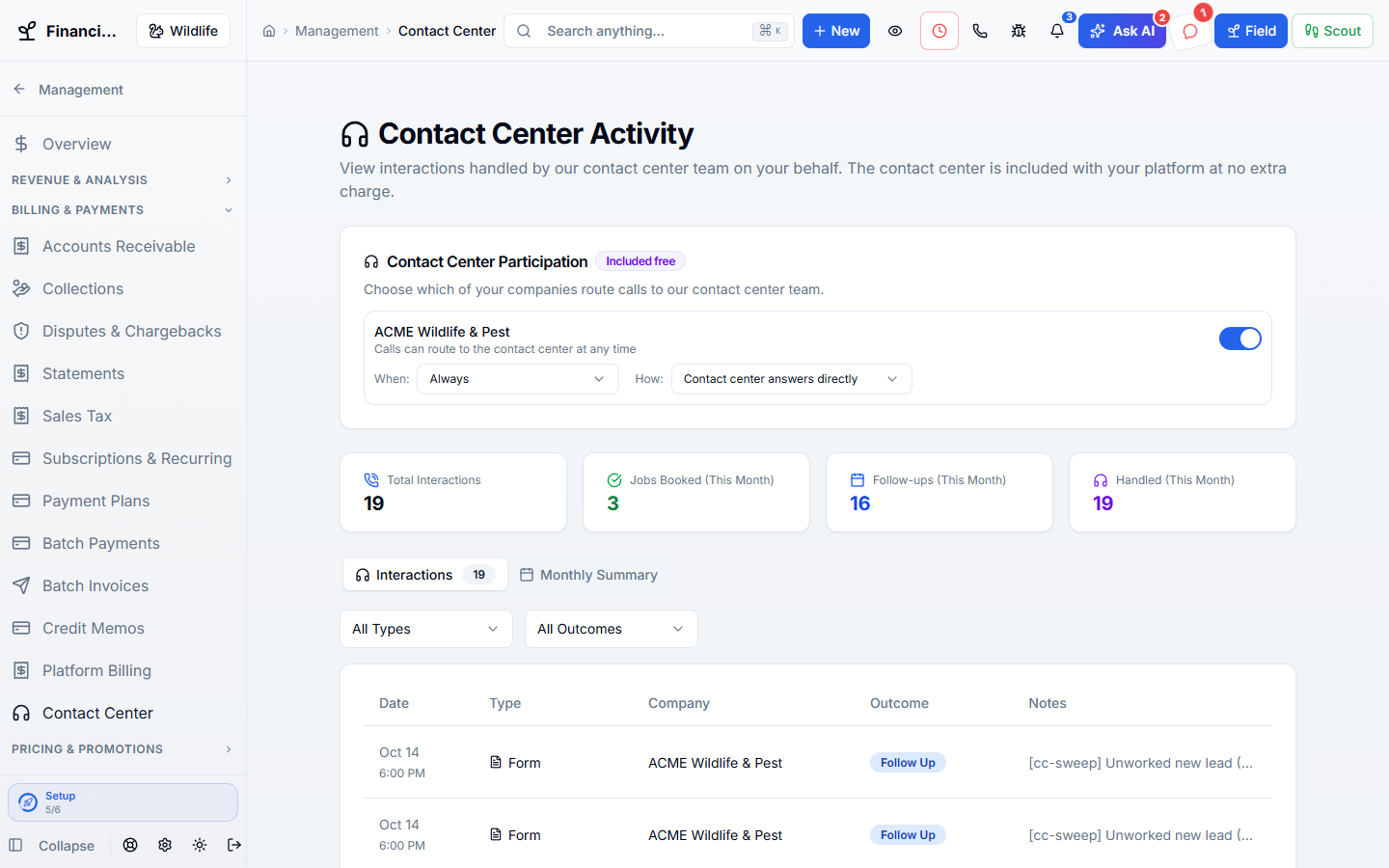
Click the highlighted spot, or use Next.Step 1 of 2
Make it fit your business
The controls worth knowing before you put human answering support to work.
How the work flows
Agree on the coverage and business facts the answering team needs.
Route eligible inquiries to the team when coverage applies.
Review the resulting conversation and any work your staff needs to complete.
In your working day
Examples of how a typical job can go. Your results depend on your business.
Example 01
You are tied up on a job. With coverage set up, the answering team can help the caller while their details stay in WildPipe.
Example 02
Your team misses a call while on a job. Overflow coverage gives the caller another path to help.
Example 03
Two brands have different coverage needs. Set participation separately rather than routing both identically.
Real work, start to finish
Examples of how a typical job can go. Your results depend on your business.
Scenario 01
A Saturday-night bat caller reaches a trained agent who checks the service area, qualifies the situation, and puts the inspection request into the same dispatch workflow the office uses Monday.
Scenario 02
Your office is busy on another call, so overflow reaches a live agent who sees the repeat customer, the active warranty, and the right company before answering.
Scenario 03
A website visitor starts in chat, sends a photo, and asks for a quote. The agent keeps the entire exchange in one thread and hands the office a clear next action.
Connected, not complicated
Clear answers. No sales jargon.
Choosing software is a business decision. Let’s make sure it fits the way you work.
Talk through your questionsNo. Company participation can be controlled separately when your account is enrolled.
The company brief reads current eligible services and prices from your WildPipe catalog. Your catalog still needs to be kept accurate.
Your business. Your next chapter.
Bring your questions. We’ll show you how WildPipe fits the way your business works.