
App name
The name under the icon on the home screen and in the store.
Branded Mobile Apps · Included with WildPipe
Give your technicians an app with your name on it and give your customers an app for your company. WildPipe builds, signs, and sends both to the App Store and Google Play, and keeps them up to date.
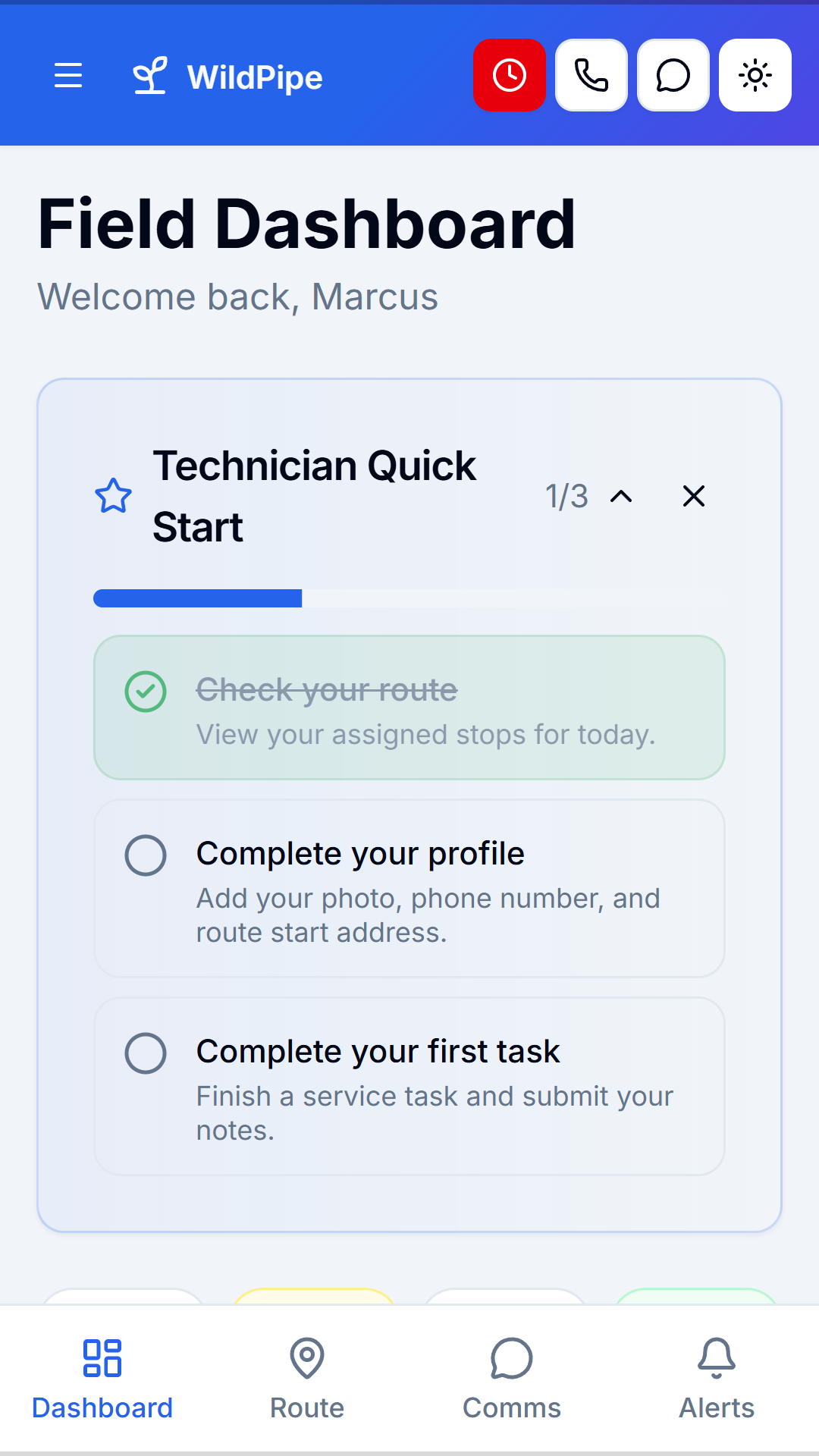
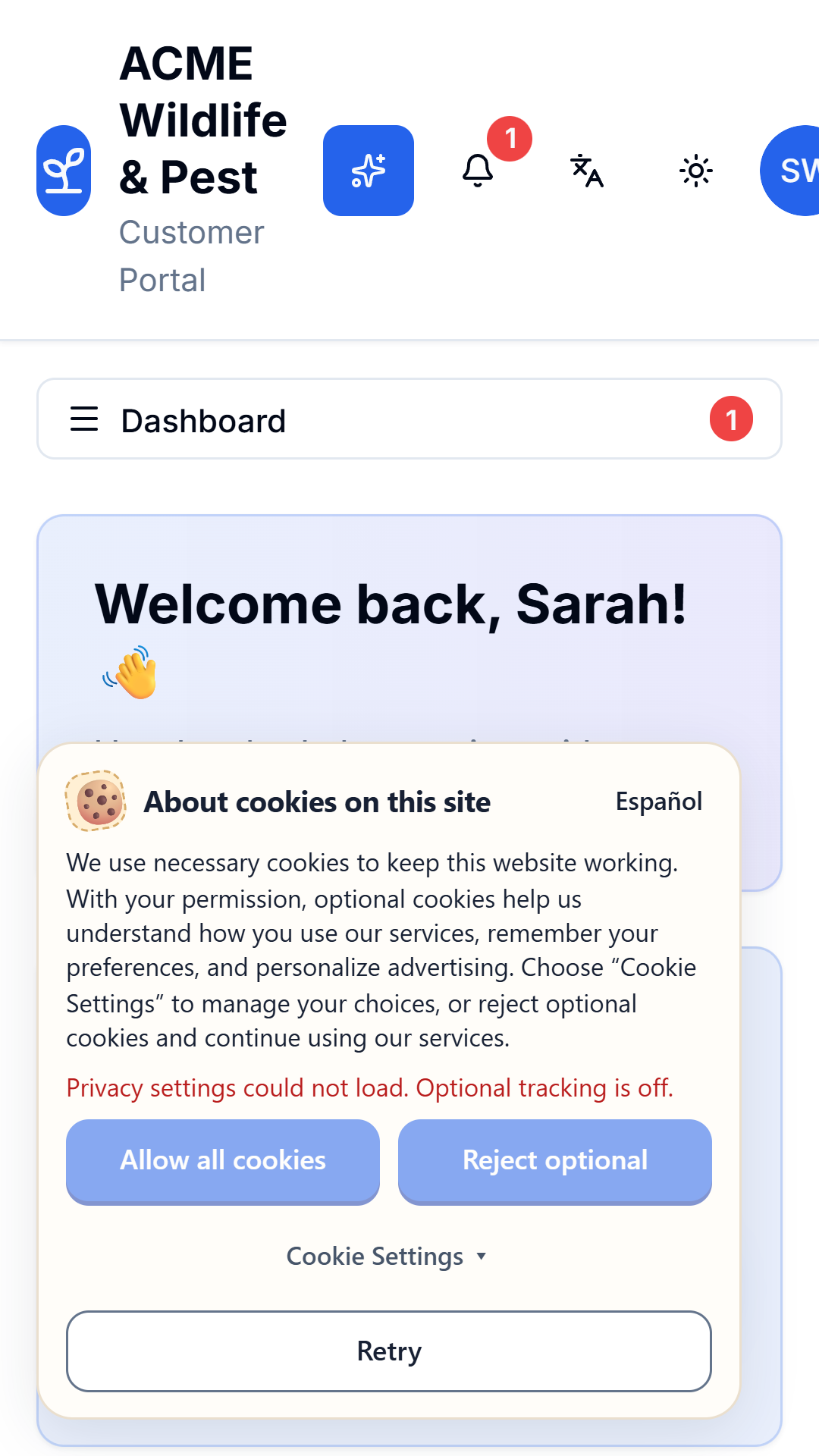
Your name, not ours
Customers search the store for your company and find you. Technicians open an app with your name on it. WildPipe stays behind the scenes.
Your team app
Your technicians and office staff install an app with your company name and icon. It opens the same WildPipe field tools they use every day.
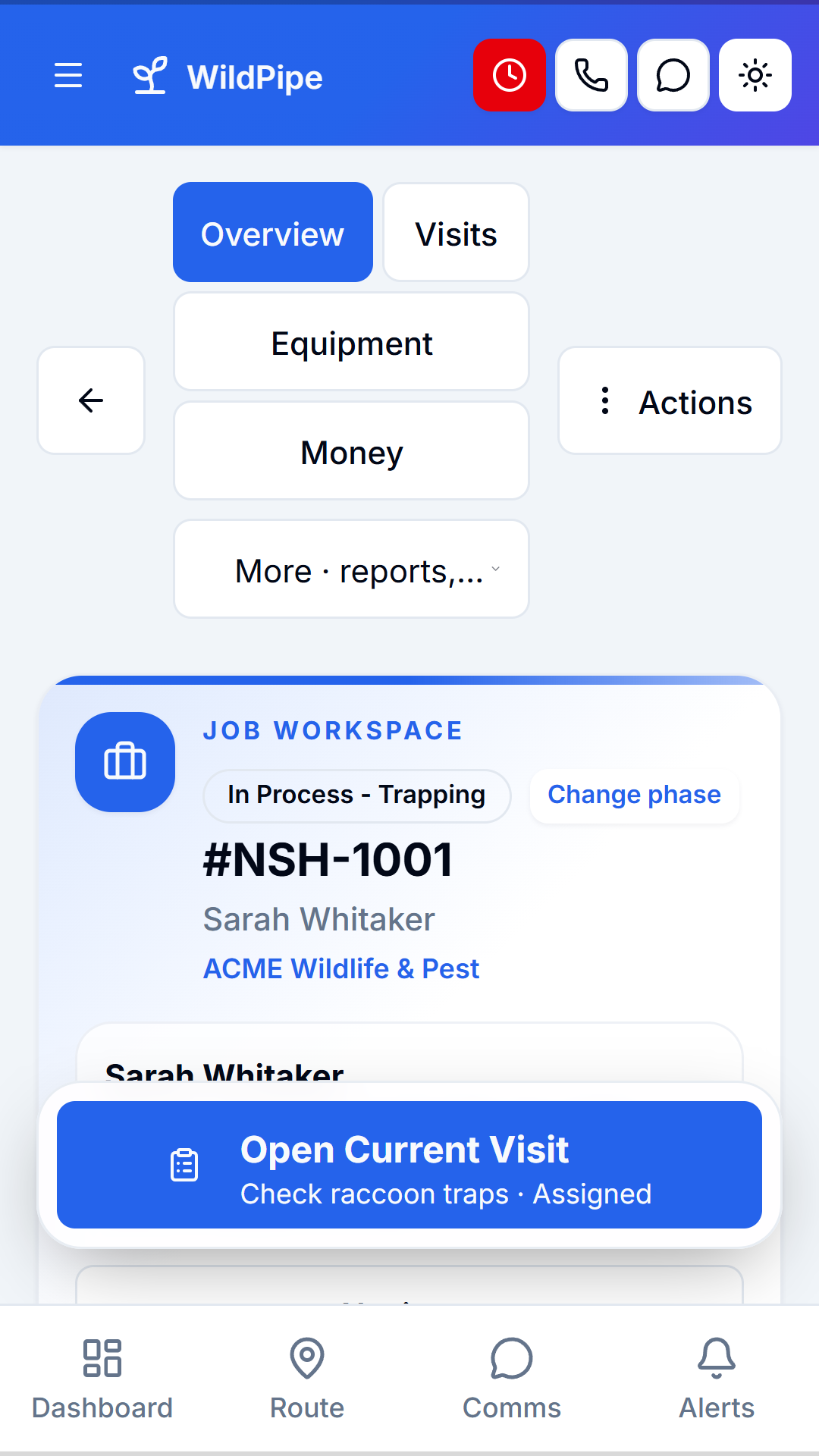
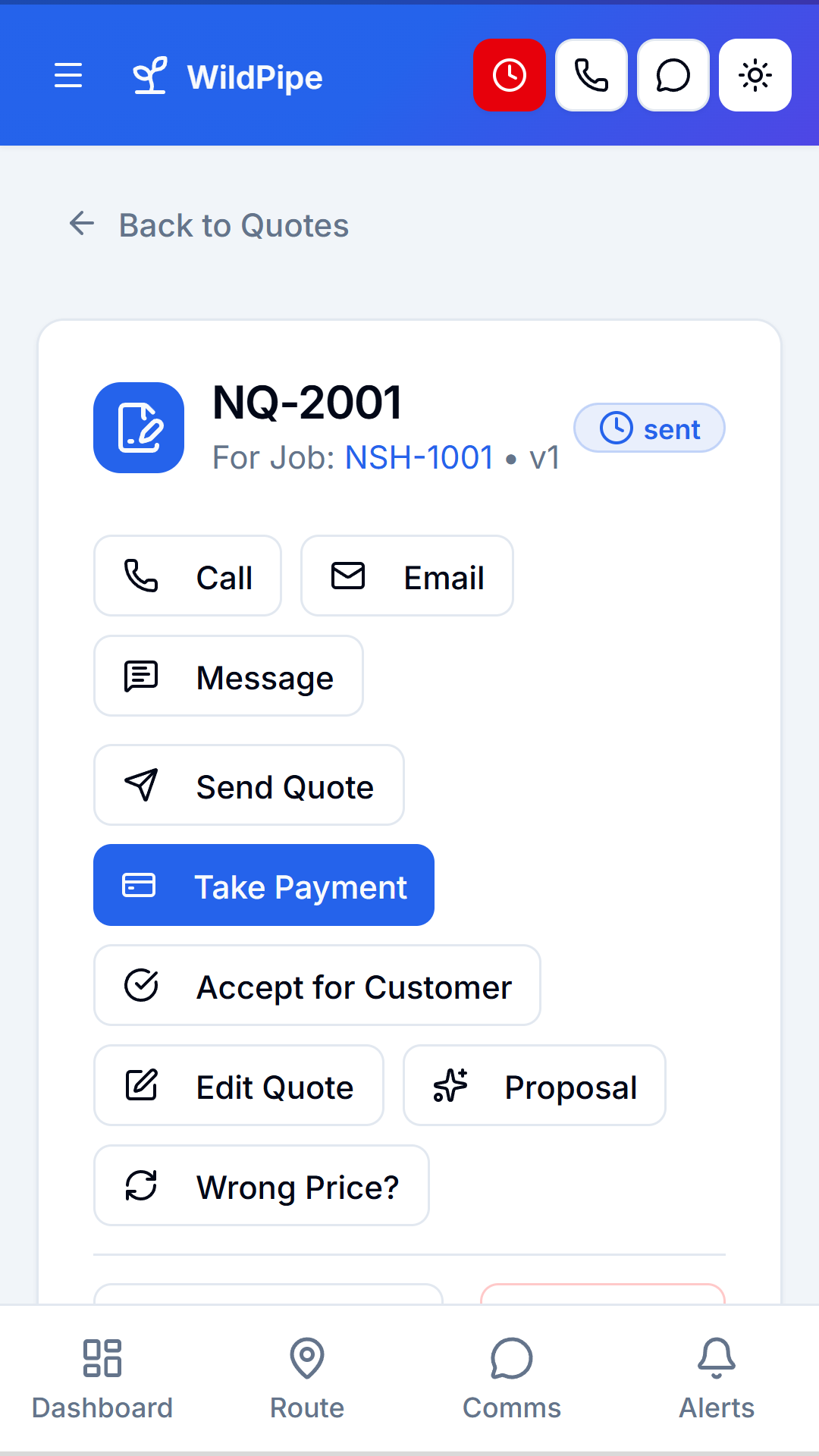
Your customer app
Each company you run gets its own customer app. It opens that company’s customer portal, so customers see one brand: yours.
What carries your brand
The name under the icon on the home screen and in the store.
Upload your own, or WildPipe uses your company logo until you do.
Your brand colors carry through the app.
Your company is the developer customers see in the store.
Links like app.yourcompany.com and my.yourcompany.com open right in your apps.
No app developer needed
Publishing an app usually means hiring a developer and learning two app stores. WildPipe handles the technical work and shows one clear next step for each app.
The few steps only you can do
Your Company Team
Your Company, LLC
Business
Illustration of a store listing. Screenshots are captured from the real app with sample data.
One step at a time
Pick a name for your staff app and each customer app in Settings → Mobile Apps.
Add your Apple and Google developer accounts once. They link to every app automatically.
Signing, builds, and uploads run on their own. Android builds can be downloaded from WildPipe right away.
Finish the store checklist and send your apps for review. Your team and customers find you by name.
After launch
Most WildPipe improvements reach your apps automatically. When a new app version is needed, WildPipe builds it and sends it to the stores.
Your staff app alerts technicians on iPhone and Android when new stops land on their route.
Use your own web address for team and customer links, and your apps open them directly.
One staff app for your organization and one customer app for each company you run. A business with three brands can have three customer apps, each opening its own customer portal.
By default your apps are published under your own Apple Developer and Google Play developer accounts, so your company shows as the developer. If you don’t have those accounts, ask us about publishing through WildPipe’s accounts. Android builds can also be downloaded directly from WildPipe.
No. Branded apps are included with WildPipe, with no separate app-development project. Apple and Google set their own terms for the developer accounts you publish under.
Apple and Google require a few one-time steps in their own consoles, such as creating the app record and answering content-rating questions. WildPipe shows the exact values to copy and handles the rest: signing, builds, uploads, listings, and screenshots.
Most WildPipe improvements reach your apps automatically without a new store submission. When a change needs a new app version, WildPipe rebuilds it and sends it to the stores for you.
No. Your staff app only signs in members of your organization. Customer apps open the customer portal for that company only.
No. Your customer portal still works in any web browser. The app is a convenient option for customers who want your company on their home screen.
Yes. Your staff app receives push notifications on iPhone and Android, such as new stops added to a technician’s route.
CRM, dispatching, invoicing, route planning, phone system, and more in one platform.
Learn moreWildlife-trained agents answer calls, qualify leads, and book jobs around the clock.
Learn moreProfessional website, local SEO, content marketing, and Google Business Profile management.
Learn moreYour next chapter
See your staff and customer apps in a demo, then launch them with your own brand.
Free account creation · Activation after onboarding · See platform fees