
Move from finished work to money in the bank.
Invoices, online and in-person payments, cards on file, repeat service plans, failed-payment follow-up, collections and chargebacks, and expenses are tied to the work that was done.
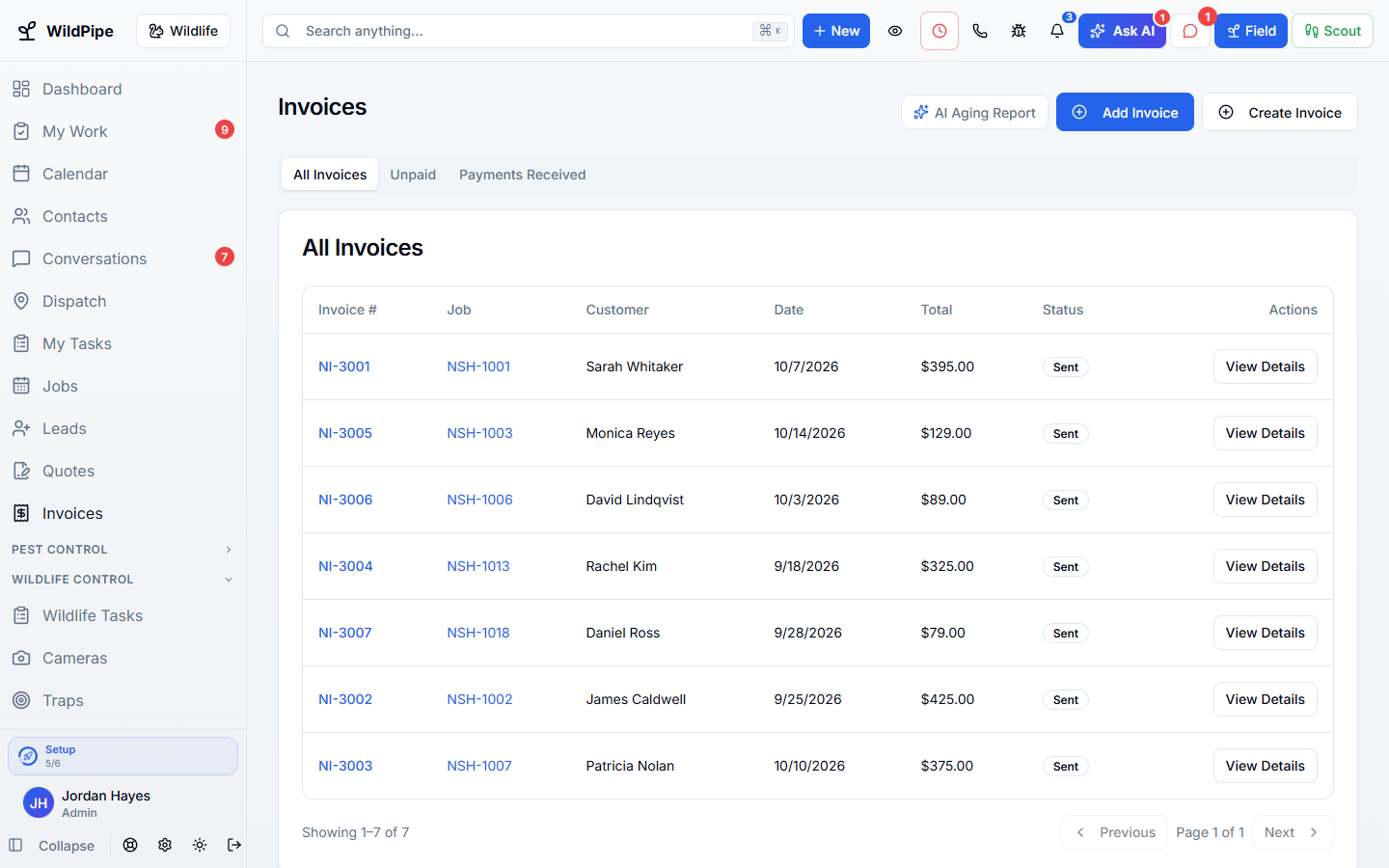
Part of one system
Work arrives already filled in, and leaves ready for the next step.
Billing & Payments is not a separate app you connect. It works from the same customer, job, and record your office, phones, field team, and billing already use.
Comes in from
Accepted quotes
An accepted quote becomes an invoice with the same items.
Comes in from
Finished visits
Charges added on site carry into billing.
What happens here
Billing & Payments
- Invoices & Payments
- Repeat Service Plans
- Collections & Chargebacks
- Expenses & Vendors
Same customer, same job, same record.
What it replaces
One system instead of a stack of tools.
- A separate invoicing add-on for field work
- A recurring billing service
- A collections spreadsheet
- A shoebox of receipts
What changes for you
Less chasing. More finished work.
Get paid faster
Customers pay online or on site, and payments land on the right invoice.
Plans that bill on schedule
Repeat service plans bill on their own schedule and retry failed cards.
Collect what is owed
Overdue accounts and chargebacks are worked as cases with a full history.
Know your costs
Expenses and vendor bills sit beside the revenue they relate to.
Inside Billing & Payments
Explore each part.
Invoices & Payments
Know what is paid and what is not.
- Invoices & payment records
- Repeat billing & saved methods
- Disputes & collections
Repeat Service Plans
Keep the next visit from getting missed.
- Separate service & billing schedules
- Seasonal visits & technician choices
- Plan care & payment follow-up
Collections & Chargebacks
Get paid for the work you already did.
- Collection cases
- Promises, plans & settlements
- Chargeback ledger
Expenses & Vendors
Keep spending out of the shoebox.
- Purchase details & categories
- Review & reimbursement
- Billable costs & overhead
Clear answers. No sales jargon.
Good to know.
Choosing software is a business decision. Let’s make sure it fits the way you work.
Talk through your questionsWhich payment processors work with WildPipe?
Stripe, Square, and Authorize.net are supported. Card processing fees are charged by your processor.
Can a plan charge a card automatically?
Yes. With the customer’s card on file and auto-pay on, plan payments are charged on schedule.
Your business. Your next chapter.
See what a better
working day looks like.
Bring your questions. We’ll show you how WildPipe fits the way your business works.