
Every unpaid account in one list
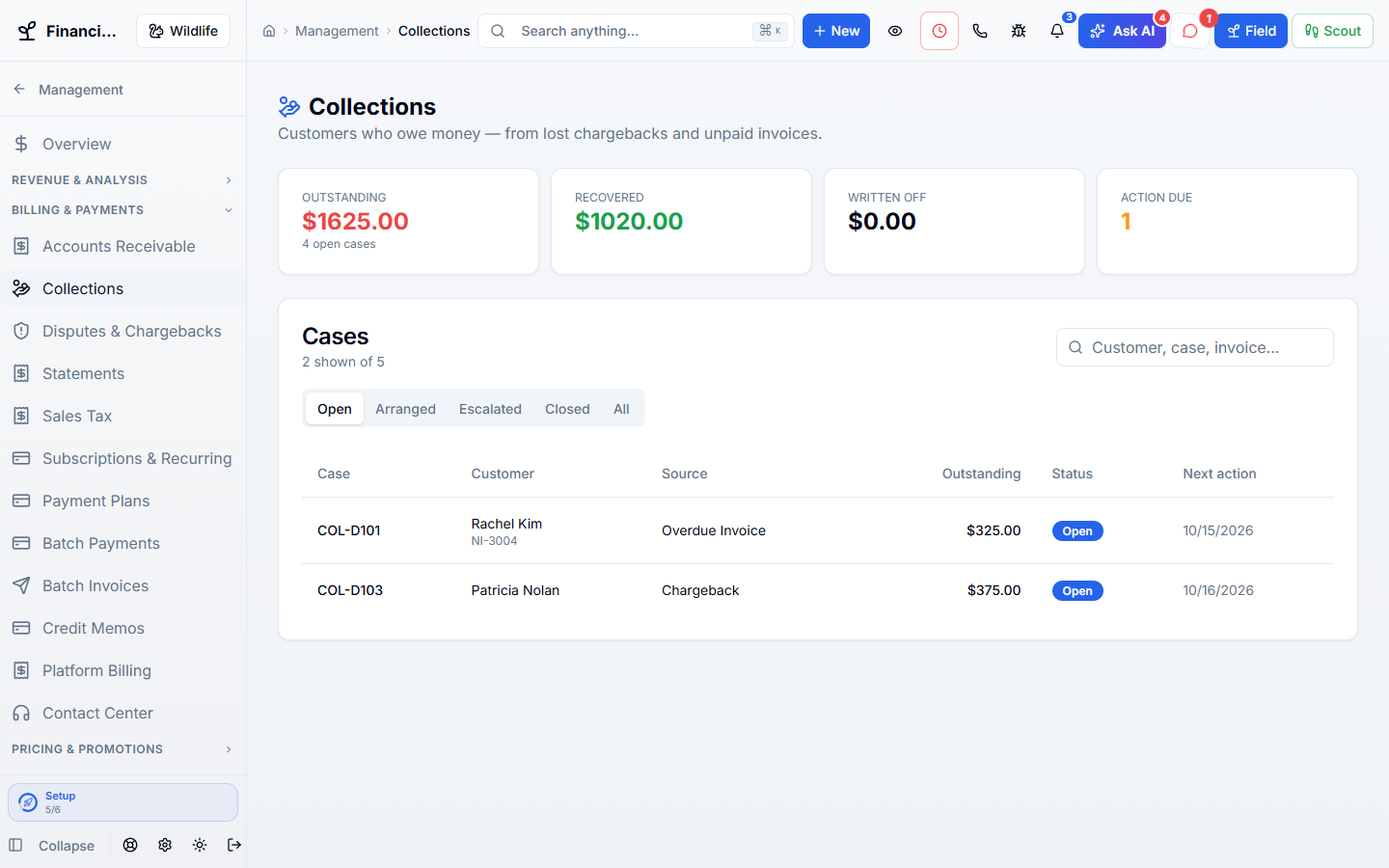
Overdue bills and lost chargebacks sit together, with what is still owed.
Track every customer who still owes you money, from unpaid invoices to lost card chargebacks. Record calls, promises, payment plans, and settlements in one case.
Works hand in hand with the rest of WildPipe
Built for your everyday work
Work unpaid bills as collection cases
Sound familiar?
A chargeback shows up four months after you sealed the attic, and nobody remembers which customer it was. Meanwhile three overdue invoices are being tracked in someone’s head.
What Collections & Chargebacks does for you
Chase the money customers still owe you, from a bounced card to a chargeback filed months after the attic was sealed, without a spreadsheet of who promised what.
Overdue bills and lost chargebacks sit together, with what is still owed.
A customer says they will pay Friday. It is written down, with the date.
Split a balance into installments that equal the exact amount owed.
A chargeback for a charge the customer paid twice is flagged before anyone calls them.
Why owners switch
The things owners complain about most in other software, and how WildPipe handles them instead.
With other software
Overdue accounts live in a spreadsheet with no history.
With WildPipe
Each case keeps every call, promise, payment plan, and settlement together.
With other software
Chargebacks are matched to customers by guessing from the amount.
With WildPipe
Disputes link to a payment only by the processor’s exact payment ID, and close calls stay suggestions for a person.
With other software
Collectors chase customers who were simply charged twice.
With WildPipe
Likely double charges are flagged, and no case is opened for them unless you choose to.
Based on frustrations owners commonly share in public reviews of field-service and pest control software. See side-by-side comparisons.
Everything included
Explore what collections & chargebacks includes, how the parts work together, and where you stay in control.
See it work
These are real WildPipe screens. Click the highlighted spot to do what your team does to collect unpaid bills and chargebacks.
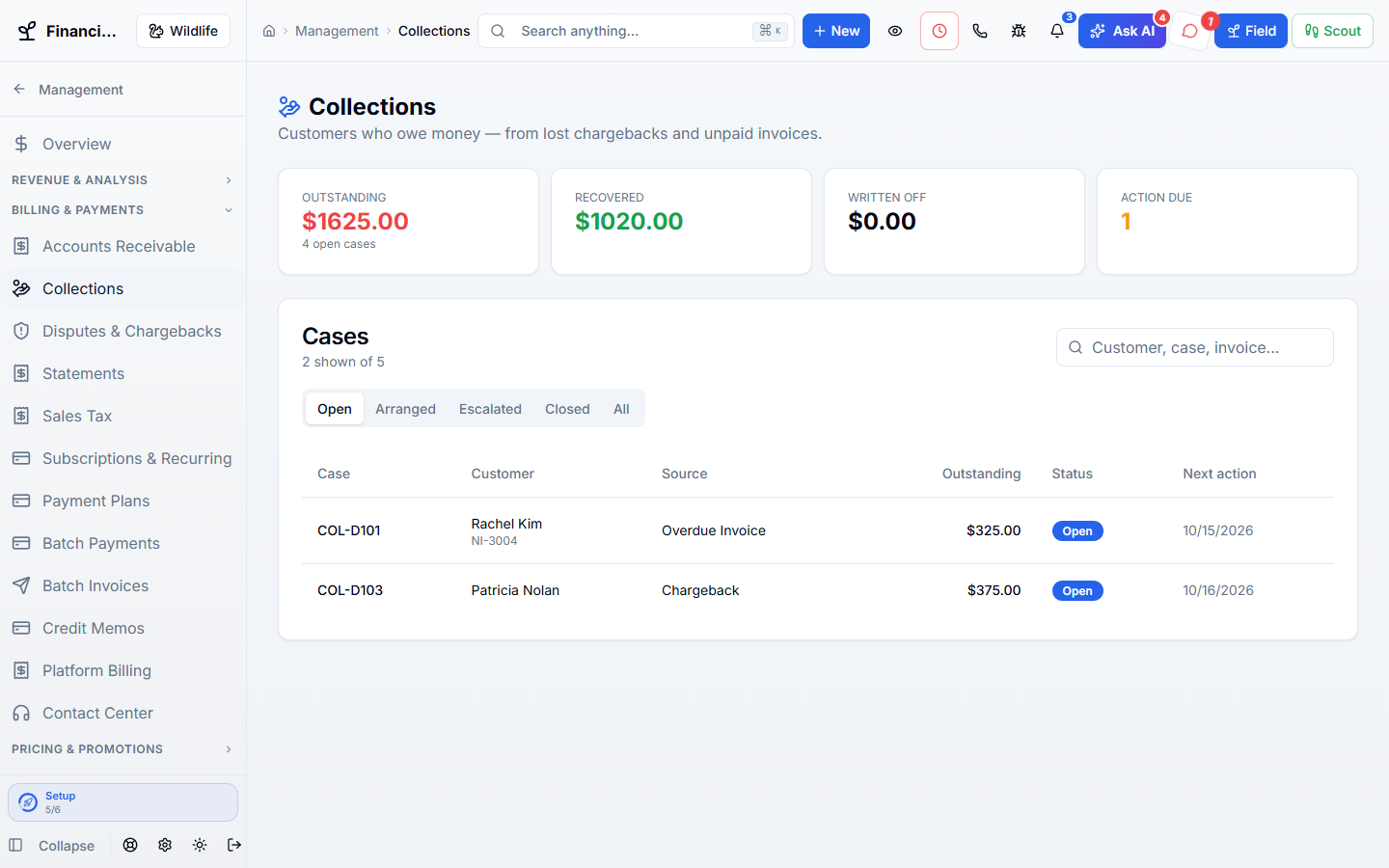
Click the highlighted spot, or use Next.Step 1 of 3
Make it fit your business
The controls worth knowing before you put collections & chargebacks to work.
How the work flows
A bill goes unpaid or a card dispute is lost.
Work the case: log contact, record a promise, or set up a plan.
Close it as recovered, settled, or written off with the history kept.
In your working day
Examples of how a typical job can go. Your results depend on your business.
Example 01
A customer disputes a card charge months after the job. Match the chargeback to the job, see whether it was a double charge, and open a case only if money is really owed.
Example 02
A customer agrees to pay $600 over three months. Set the plan and watch each installment.
Example 03
A dispute shows the customer was charged twice for one invoice. Leave it as a refund question instead of opening a debt.
Real work, start to finish
Examples of how a typical job can go. Your results depend on your business.
Scenario 01
A $1,250 exclusion invoice is 60 days past due. The case shows two calls and a broken promise, so you offer a three-month plan.
Scenario 02
A card company takes back $395 for a raccoon removal. You match it to the job and open a case against the right customer.
Scenario 03
A dispute turns out to be a double charge on an invoice that was already paid. It is flagged so nobody chases that customer.
Connected, not complicated
Clear answers. No sales jargon.
Choosing software is a business decision. Let’s make sure it fits the way you work.
Talk through your questionsNo. Recovery is counted from payments actually applied to the invoice after the case opened.
No. Automatic links need an exact processor payment ID or a strong customer match. Anything less stays a suggestion for a person to confirm.
Your business. Your next chapter.
Bring your questions. We’ll show you how WildPipe fits the way your business works.