Expenses & Vendors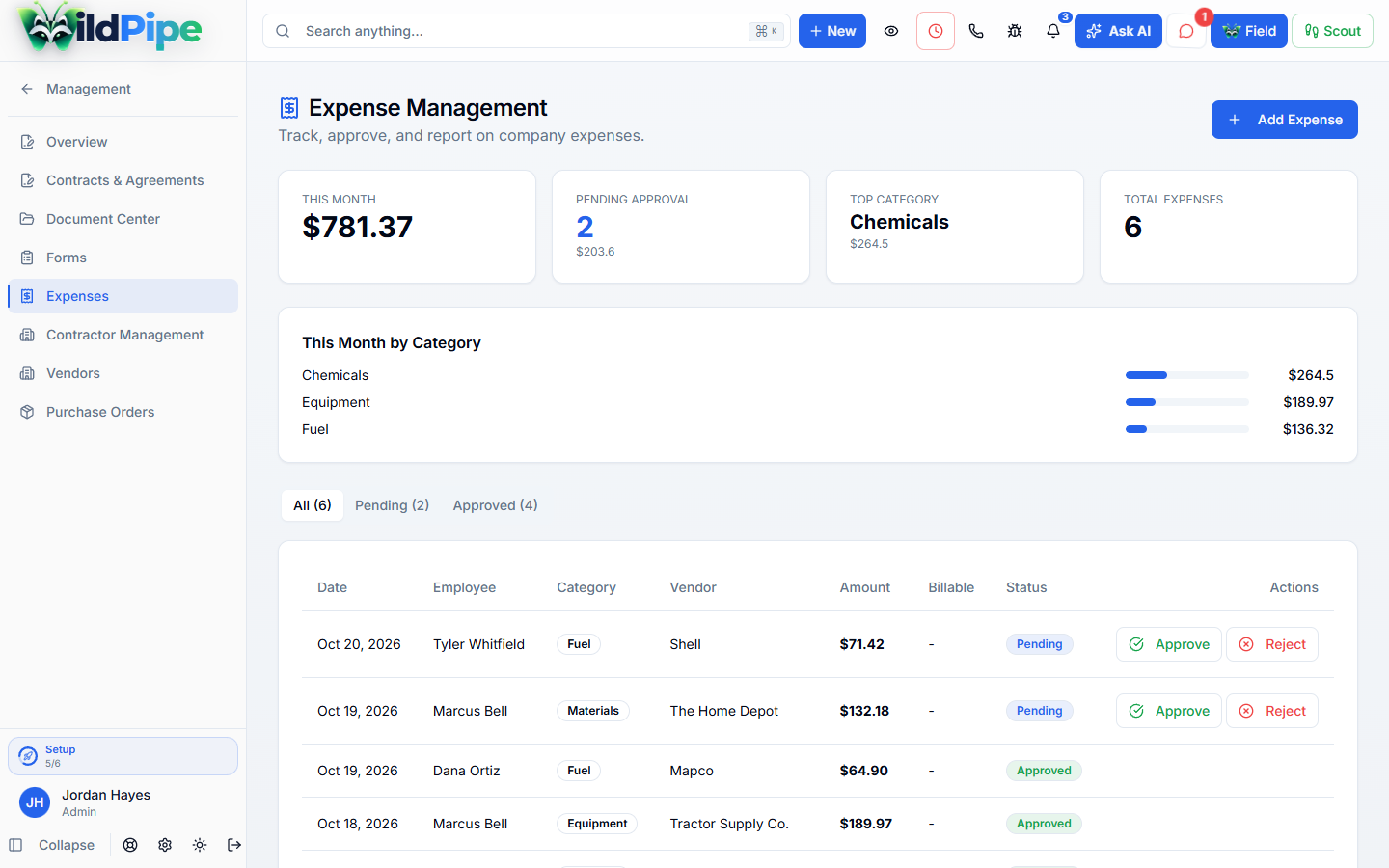
Keep spending out of the shoebox.
Save receipts and track what your business spends. Link costs to jobs so you can see where the money went.

Out of the truck
Get the receipts off the dashboard.
Hardware cloth, vent covers, bait and dump fees, recorded while they’re fresh.
- 1
Record it
Amount, date, vendor and what it was for.
- 2
Review it
See all, pending and approved expenses in separate views.
- 3
Use it
See real costs next to each job’s profit.
Sorted two ways
What it was for, and how it was paid.
Category
- Fuel
- Supplies
- Chemicals
- Equipment
- Licensing
Paid with
- Company card
- Personal card
- Cash
- Check
Real screens
Record an expense.

Tap the highlighted spot, or use Next.Step 1 of 3
The bigger picture
Billable costs, reimbursements and overhead.
- Mark an expense as billable to a customer when appropriate.
- Review job costs alongside other job-profitability records.
- Configure active monthly or yearly fixed expenses for business overhead.
- Review employee reimbursement requests through the related reimbursement workflow.
Part of Billing & Payments
Costs land where profit is measured.
Expenses attach to jobs and roll into job profit and business reports.
What happens here
Expenses & Vendors
- 1Purchase details & categories
- 2Review & reimbursement
- 3Billable costs & overhead
Same customer, same job, same record.