
What’s Your Wild?

Pick one and we will show your kind of work first.

Multiple Companies

Run your brands without mixing them up.

Run several brands or locations from one login. Keep each company’s name, phone numbers, payment setup, and staff access separate.

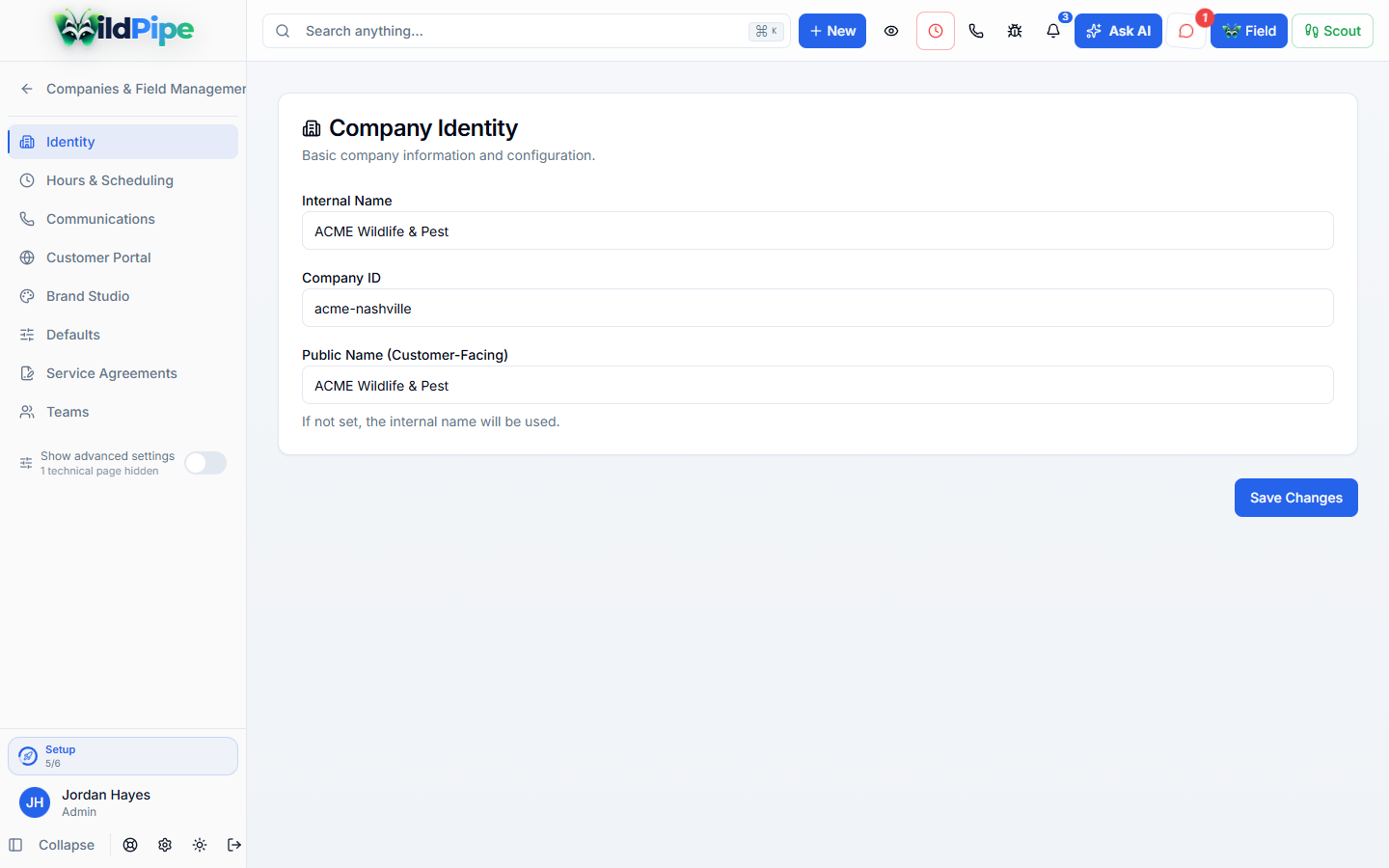
Multiple Companies in WildPipe: one brand’s own name, phone, portal, and payment settings

A wildlife brand and a pest brand

One login, and the right name on every invoice.

Its own look

Name, logo, colors and website for each company.

Its own phones

Separate phone accounts and numbers.

Its own email

Customer messages from that brand’s address.

Its own payments

A payment setup per company, or a shared default.

Kept apart

One brand never borrows another’s identity.

Jobs, quotes, invoices and conversations carry their company, so a customer never wonders who they hired.

  • Records are tied to the right company
  • If the brand can’t be worked out, nothing is sent from another company’s address
  • Settings can be shared or set per company

Business Rules

Your own timing and limits, company by company.

  • Choose how close to a visit customers can move it themselves.
  • Set when collections start, renewal notice days and expiration reminders.
  • Decide when an offline camera alerts, when a trapped animal is dispatched, and what counts as rain.
  • Turn off parts of WildPipe a company does not use; nothing is deleted.

Your staff

Give each person the companies they work for.

  • Choose which companies a staff member can access.
  • Use one operating system without pretending all brands have the same settings.
  • Review supported company-scoped reports and settings.
  • Turn features off for the whole business or a single company without deleting data.
  • Set your own Business Rules, such as how close to a visit customers can move it, when collections start and what counts as rain, for the business or one company.
  • Use your own domain for team links and each company’s customer portal.

Part of Platform & Setup

Every brand on the same system.

Phones, email, branding and payments stay separate while the back office stays shared.
Clear answers. No sales jargon.

Good to know.

Choosing software is a business decision. Let’s make sure it fits the way you work.

Talk through your questions
Do I need a different login for each brand?

You can manage accessible companies from one account. Your role and company-access settings govern what you see.

Will an unknown brand simply borrow another company’s sender?

Multi-company workflows should resolve the correct identity rather than borrowing another brand’s sender or payment setup.

Your business. Your next chapter.

See what a better working day looks like.

Bring your questions. We’ll show you how WildPipe fits the way your business works.