Connect Your Other Tools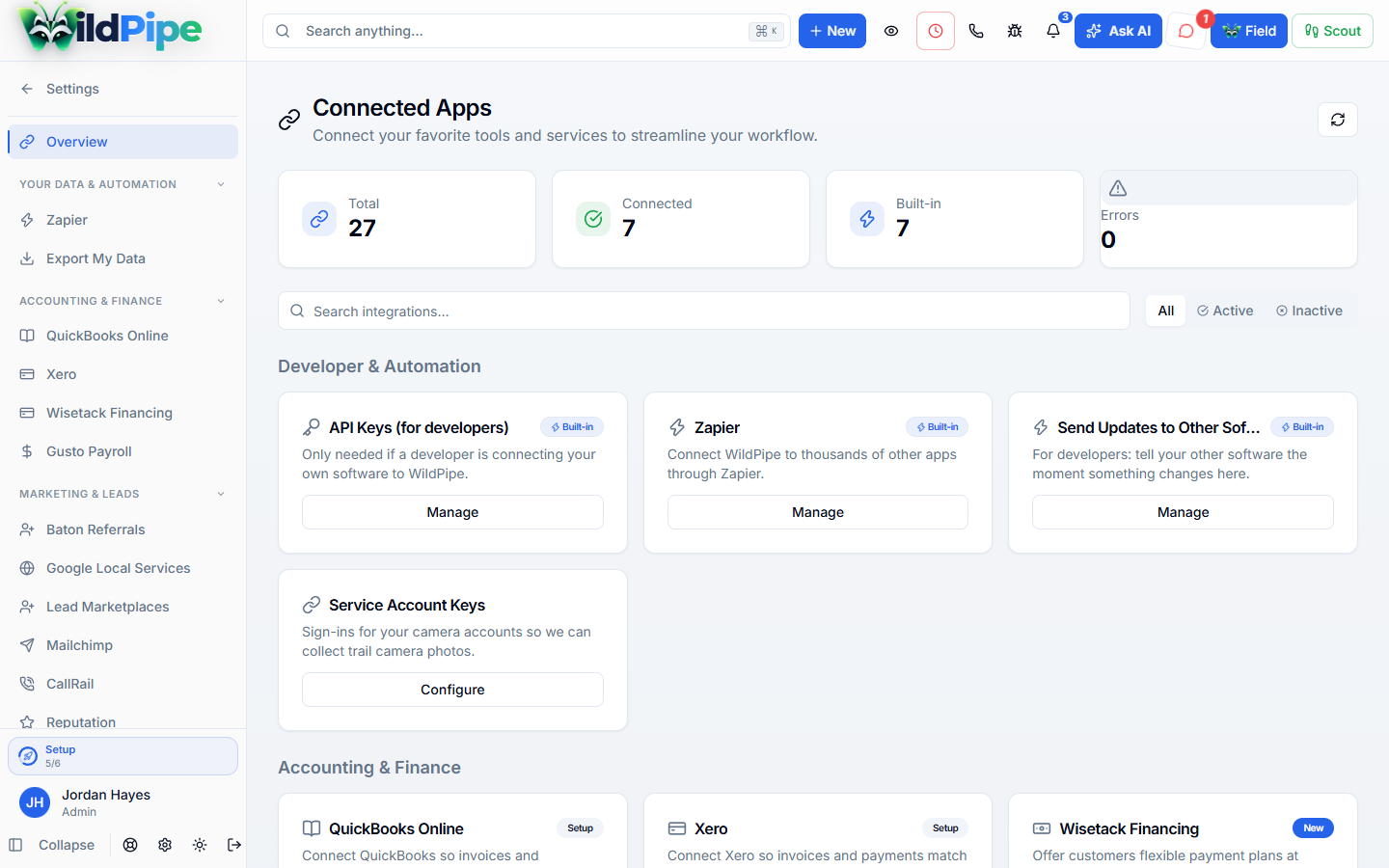
Keep the tools you still need.
Connect supported accounting, payment, and other business tools to WildPipe, including AI assistants such as Grok, Claude, and ChatGPT. Check which connections fit your current setup.

Keep what works
Your accountant’s workflow survives the switch.
Accounting and payments
Supported connections, with payment gateways set per company when needed.
The WildPipe API
Documented resources and keys with only the permissions each tool needs.
Webhooks
Send documented business events to your own systems.
Zapier
Connected separately, with its own keys, triggers and actions.
Doing it right
Decide what moves between systems first.
- Identify exactly what needs to pass between systems.
- Configure the supported connection and test the intended workflow.
- Monitor delivery and reconcile the receiving system’s result.
Real screens
Set up a connection.

Tap the highlighted spot, or use Next.Step 1 of 2
Plain facts
What a connection does and doesn’t mean.
- The API covers a documented set of resources, not every table
- A delivered webhook isn’t proof the other system finished its work
- Webhooks can arrive more than once, so receivers should handle repeats
- Outside providers may charge their own fees
Part of Platform & Setup
WildPipe stays the main record.
Connections share data with your other tools without splitting the customer record.
What happens here
Connect Your Other Tools
- 1Supported business connections
- 2API access & permissions
- 3Webhooks & connector workflows
Same customer, same job, same record.