Show customers and auditors what is happening at every site.
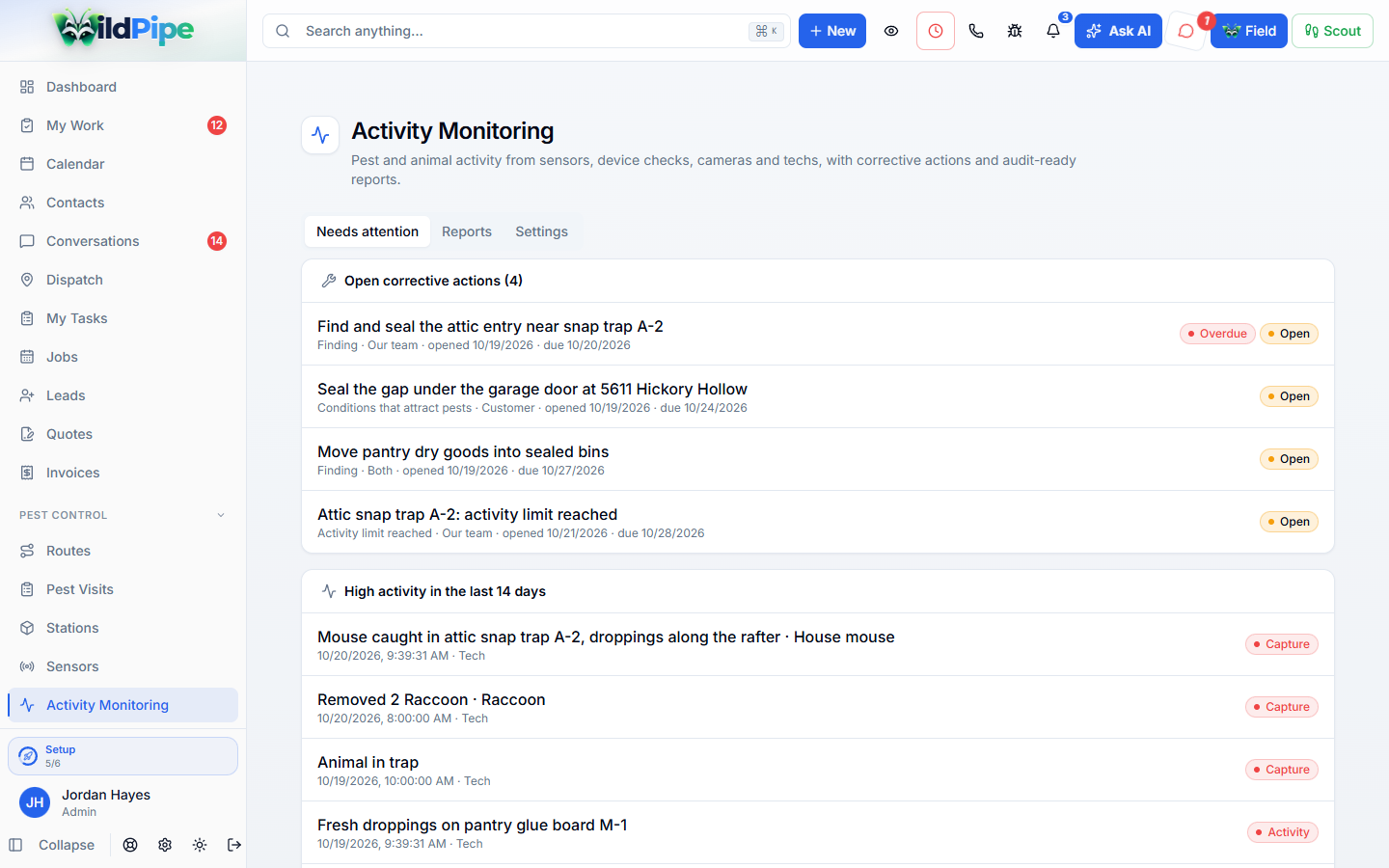
Keep every trap check, station check, camera check your team confirms, sensor alert, and finding in one activity record for each property. Open corrective actions when activity passes your limits, and build audit-ready reports.
Sound familiar?
Proof of what is happening at every station, trap and site.
An auditor asks for last quarter’s station activity and corrective actions, and the answer is a stack of service tickets and a spreadsheet someone updates when they remember.
One record of every check, capture and sign of activity at each property, with what you did about it, ready to show the customer or an auditor.
See it work
Click through it yourself.
These are real WildPipe screens. Click the highlighted spot to move to the next step.
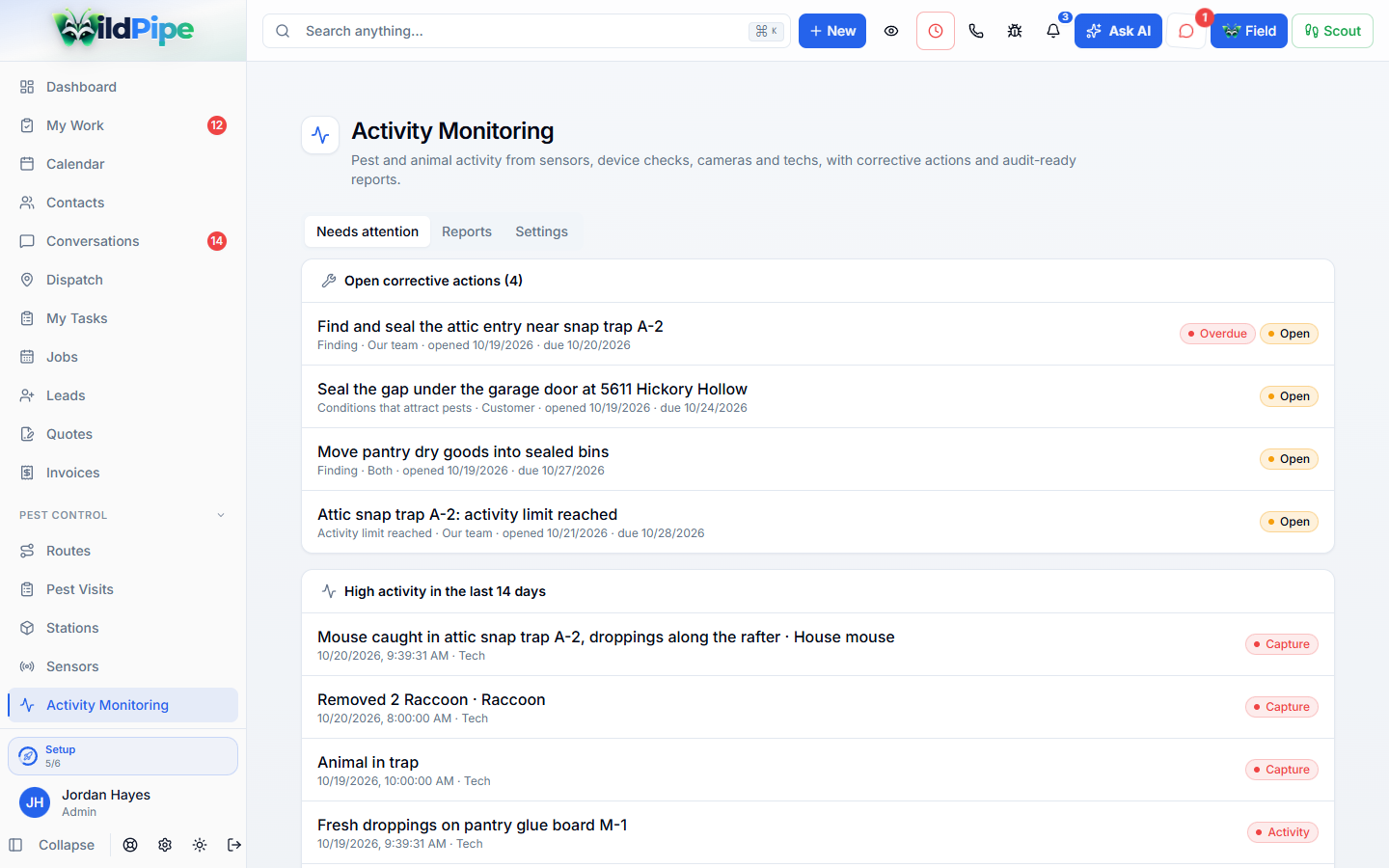
Click the highlighted spot, or use Next.Step 1 of 2
What’s included
What activity monitoring & audit reports can do.
One activity record per site
- Bring station checks, trap checks, camera checks your team confirms, sensor alerts, removals, and customer sightings into one list.
- See each monitoring point with its latest check, activity count, and whether a sensor watched it the whole time.
- Fix a mistake by adding a correction that keeps the original, so the history stays honest.
- Camera AI detections only count after a person on your team confirms them.
Limits & corrective actions
- Set how much activity at one point is too much, per pest type.
- Open a corrective action when a limit is passed or someone records a problem the customer needs to fix.
- Track the cause, the plan, what was done, and when the office checked it.
- Let customers acknowledge the items they need to fix from their portal.
Reports, maps & portals
- Upload a floor plan or site map and place every point on it, from the office or the field app.
- Build an activity report, an audit packet with an evidence checklist, or a pest risk assessment for a period you choose.
- Pick the audit standard the customer is held to, such as AIB, BRCGS, SQF or a retailer program.
- Show customers and property account managers their activity in the portal, and email saved reports with a link to the full report.
Part of Wildlife & Pest Operations
Connected to the rest of your business.
Activity Monitoring & Audit Reports shares the same customer, job, and record as everything else in WildPipe.
Comes in from
Quotes
An accepted quote sets the project scope your crew has to finish.
Comes in from
Dispatch
Trap checks, pickups, and treatments arrive on the right route.
What happens here
Activity Monitoring & Audit Reports
- 1One activity record per site
- 2Limits & corrective actions
- 3Reports, maps & portals
Same customer, same job, same record.