Your Home Screen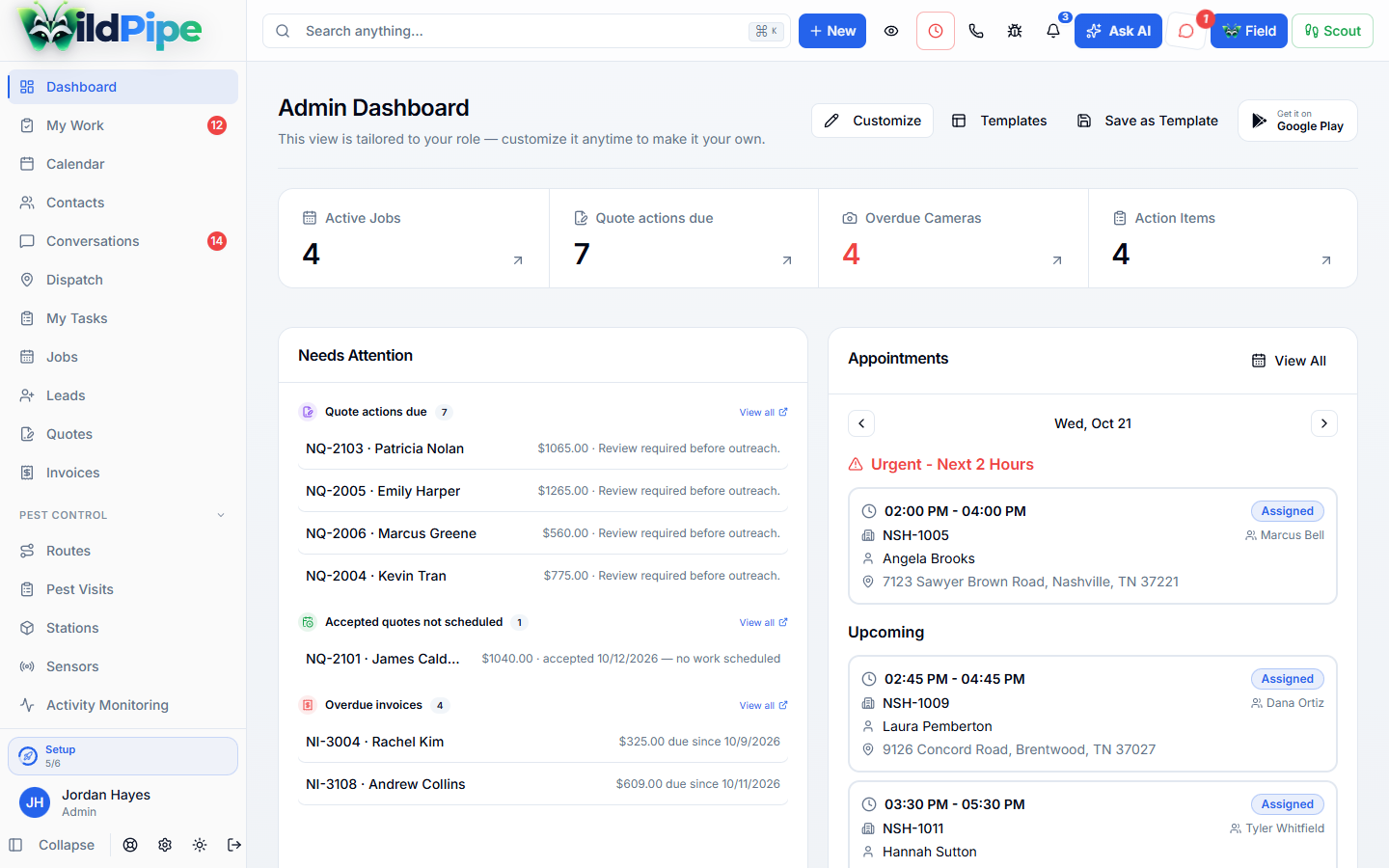
See what needs your attention.
Put the numbers and work you check most on one screen. Choose the cards that help you start the day.

Monday, first thing
The three unassigned trap checks, and the quote going cold.
Needs Attention collects what’s slipping across the business, so you see it before a customer calls about it.
- Surface overdue lead follow-ups and aging sent quotes.
- See accepted quotes that still need scheduled work.
- Review completed jobs needing invoices and overdue bills.
Your cards
Arrange the home screen around your job.
- Add the available widgets that matter to your role.
- Move and arrange cards to fit the way you review the day.
- Keep frequently checked work in one home view.
Real screens
Look at a dashboard.

Tap the highlighted spot, or use Next.Step 1 of 2
Then handle it
One click from the card to the real record.
- Review recent notes and activity across linked work.
- Use available call analytics and operational widgets.
- Open the related record to handle the issue rather than treating the dashboard as the final record.
Part of Reports & Insights
A summary of everything else.
Each card reads from jobs, quotes, invoices and conversations, and opens the record behind it.
Comes in from
Billing & payments
Collected revenue, balances, and costs.
Comes in from
Jobs & visits
Work done for every customer, by every technician and company.
What happens here
Your Home Screen
- 1Choose your dashboard cards
- 2Work that needs attention
- 3Activity & business signals
Same customer, same job, same record.