
Know what is actually working
See the search, page, campaign, and click ID that led to booked and paid work.
See how people find your business online. Review suggested website and search changes before they are applied.
Works hand in hand with the rest of WildPipe
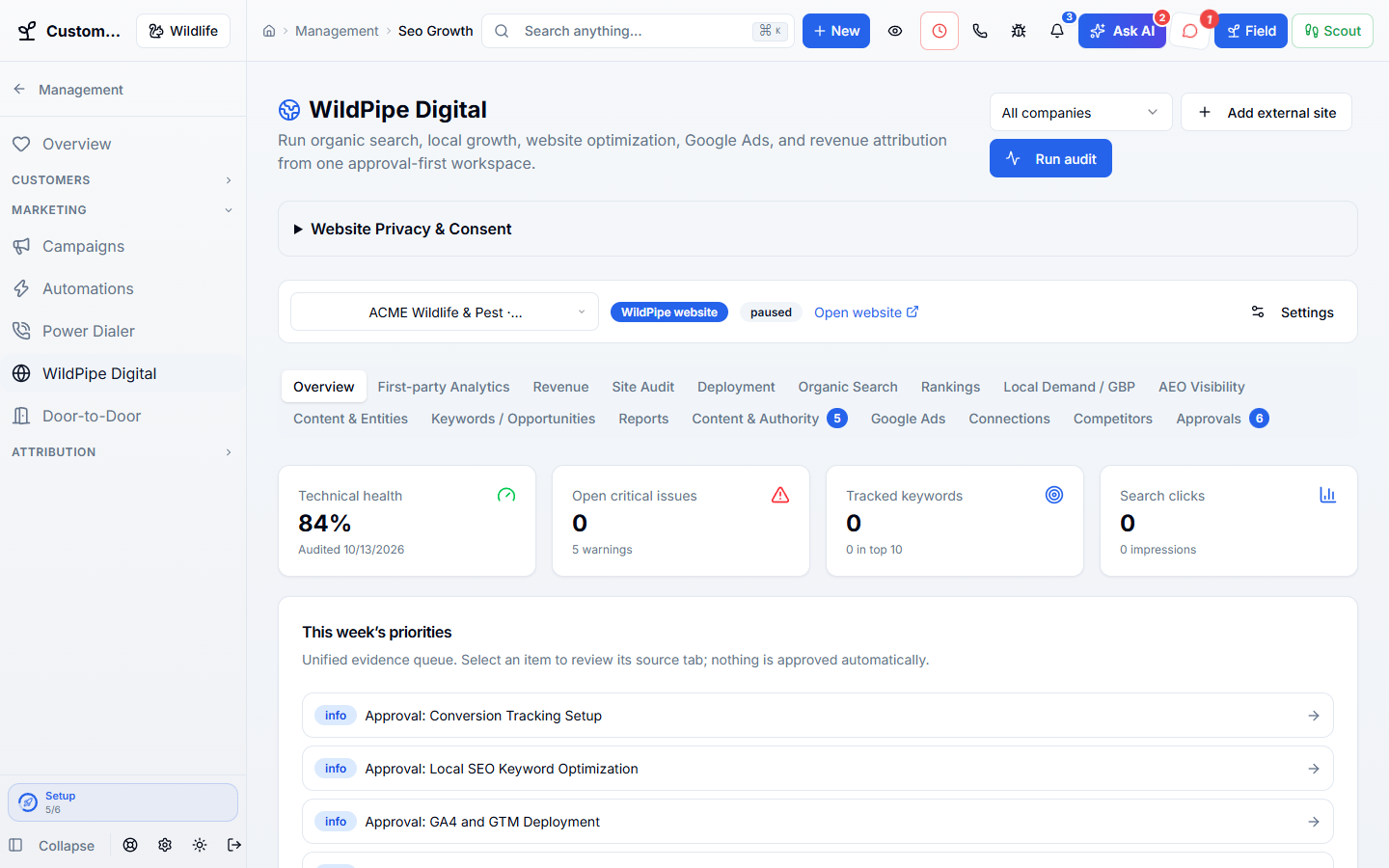
Built for your everyday work
Review website and search improvements
Sound familiar?
Rank reports, ad dashboards, and agency updates stop at clicks and leads. You still need to know which work booked, got serviced, and actually paid.
What Website & Search Growth does for you
A local-growth workspace that connects your website, Google presence, rankings, content, ads, leads, booked jobs, and collected revenue instead of stopping at clicks.
See the search, page, campaign, and click ID that led to booked and paid work.
Website, Business Profile, content, and campaign work waits for an owner or administrator.
Audit and safely deploy approved changes to an external HTTPS website with rollback.
Search Console, Analytics, local rankings, Business Profile, and Google Ads share the CRM outcome.
Why owners switch
The things owners complain about most in other software, and how WildPipe handles them instead.
With other software
Marketing reports stop at clicks and calls.
With WildPipe
Results connect search and ads to booked jobs and paid invoices.
With other software
Agencies change your website or ads without asking.
With WildPipe
Nothing changes on your site or ads until you approve it, and every change can be undone.
With other software
SEO tools are another subscription with another login.
With WildPipe
Site health, rankings, Business Profile, and Google Ads live in WildPipe.
Based on frustrations owners commonly share in public reviews of field-service and pest control software. See side-by-side comparisons.
Everything included
Explore what website & search growth includes, how the parts work together, and where you stay in control.
See it work
These are real WildPipe screens. Click the highlighted spot to do what your team does to grow local visibility with proof.
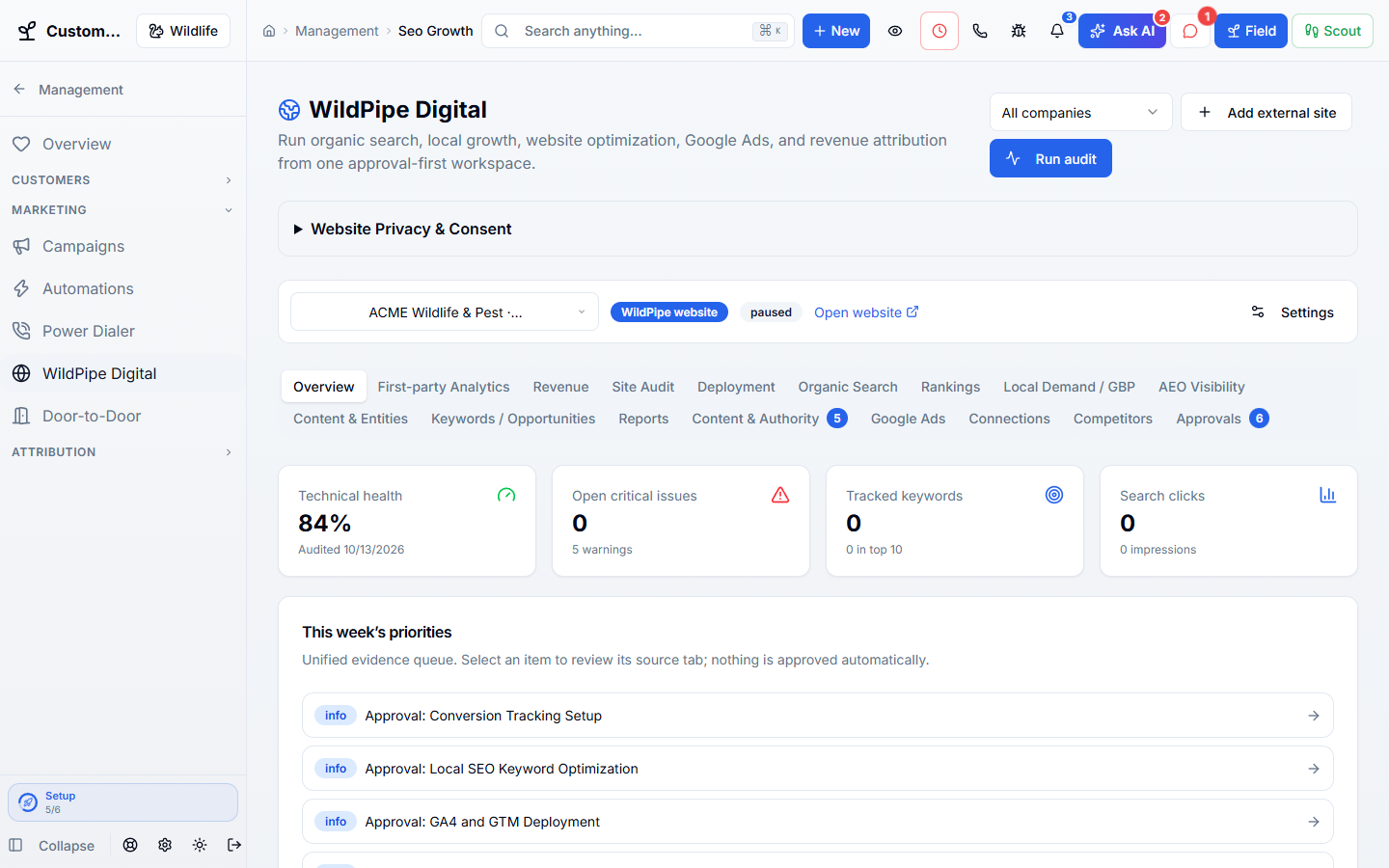
Click the highlighted spot, or use Next.Step 1 of 3
Make it fit your business
The controls worth knowing before you put website & search growth to work.
How the work flows
Connect the site and available measurement sources.
Review factual findings and approve the specific changes you want.
Track the results through real customer work and collected revenue.
In your working day
Examples of how a typical job can go. Your results depend on your business.
Example 01
A search campaign brings in inquiries. Follow them through to booked work and collected payments, not just clicks.
Example 02
Review a proposed service-page improvement before applying it to your site.
Example 03
Compare a campaign’s spend with collected invoice revenue rather than counting every quote as money earned.
Real work, start to finish
Examples of how a typical job can go. Your results depend on your business.
Scenario 01
A service-page title fix is proposed after an audit. You approve it, deploy it, watch ranking movement, and see the calls and paid invoices that followed.
Scenario 02
A Google Business Profile post and new city page bring in three jobs. WildPipe ties the source to the lead, booking, invoice, and collected revenue.
Scenario 03
A paid search campaign produces calls but little collected work. You see the gap and adjust the campaign before another month of spend.
Connected, not complicated
Clear answers. No sales jargon.
Choosing software is a business decision. Let’s make sure it fits the way you work.
Talk through your questionsNo. It proposes work; website and ad changes require explicit approval.
Yes. WildPipe handles the technical setup to connect your existing website, and website changes still require approval before they are applied.
Your business. Your next chapter.
Bring your questions. We’ll show you how WildPipe fits the way your business works.